

Before you start
A real purchase needs production credentials. The sandbox recognises the card request and pauses it, but no approval link is sent and nothing is charged.
@agent-cards/sdkandplaywright-coreinstalled, and a Chromium to launch: the Google Chrome on the machine (BROWSER_CHANNEL=chrome), or Playwright’s own build afternpx playwright-core install chromium(leaveBROWSER_CHANNELunset).- An Agentcard organization with production credentials, and a user of that organization with a card in the Vault. Adding a card gets you both.
- A way to reach the user: the approval link has to leave your process. The first run of this guide forgot that, and the section on delivering the link shows what that costs.
- The Kernel guide’s steps 1 to 4 read once: open the checkout, fill it and read the total, attach, pay. They run unchanged here.
Tools

Playwright

Agentcard Vault

Shopify checkout
What changes without a provider
The last row is the one that bites. With a hosted browser you can exit your script and come back to the session. Here the browser dies with the process, so a run that is waiting on an approval or on the merchant’s answer has to keep running.
1. Launch the browser
serviceWorkers: 'block' is as necessary here as on a hosted browser: a service worker owns requests the SDK cannot see, and Shopify’s card request is one of them. Headless Chrome shopped and paid on this run without a bot check; a store that shows one is a reason to run headed, or to take the Kernel guide’s path.
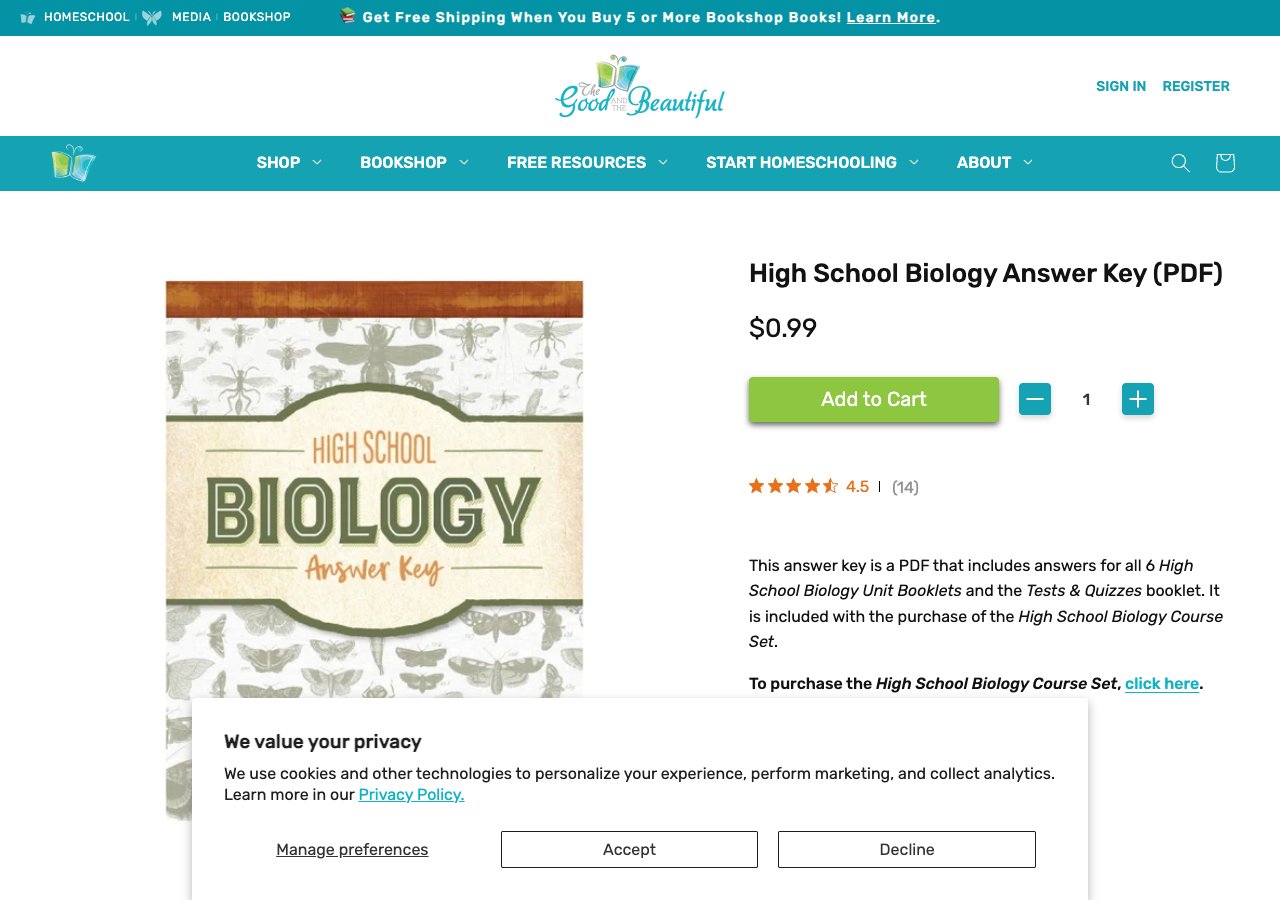
2. Shop, attach, and pay as in the Kernel guide
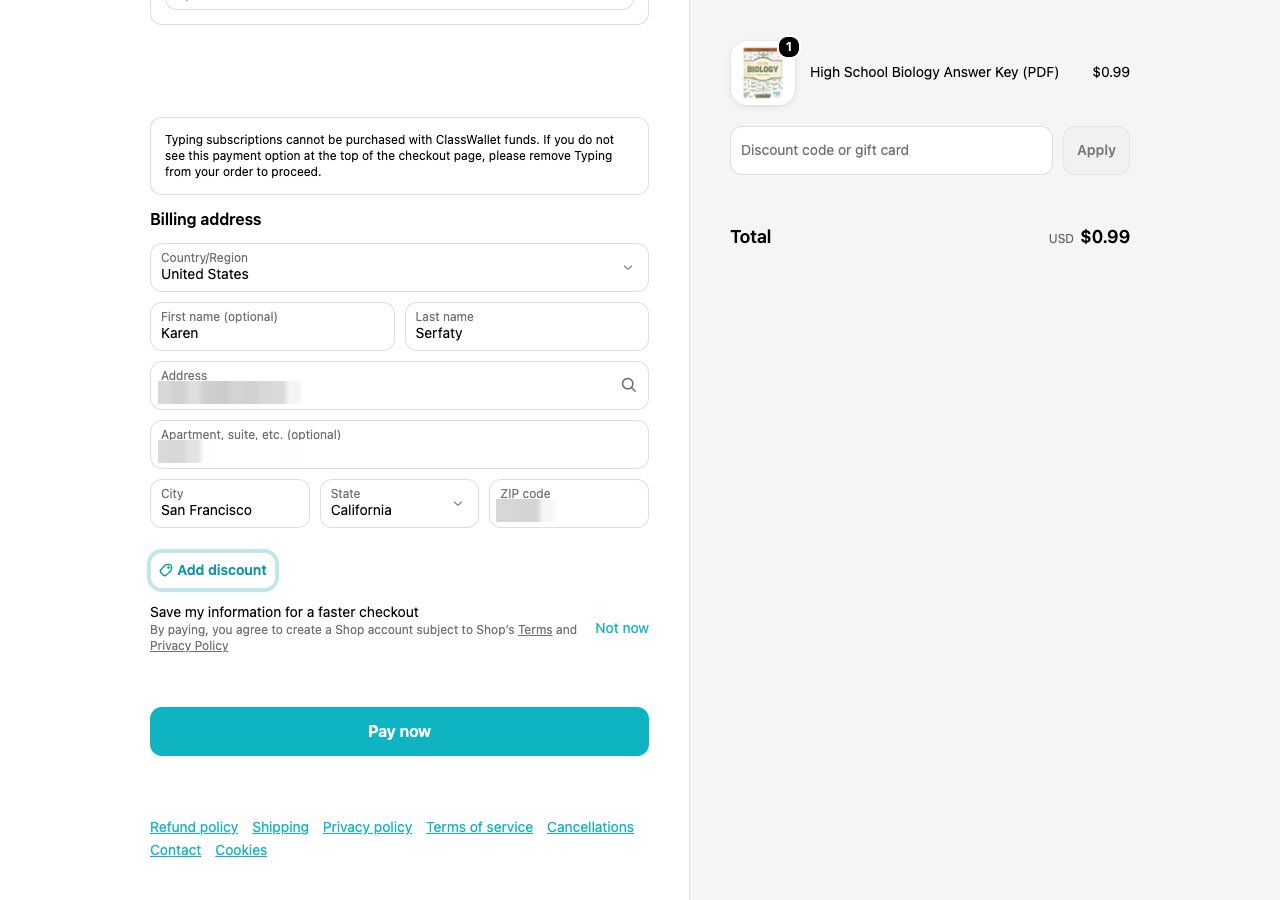
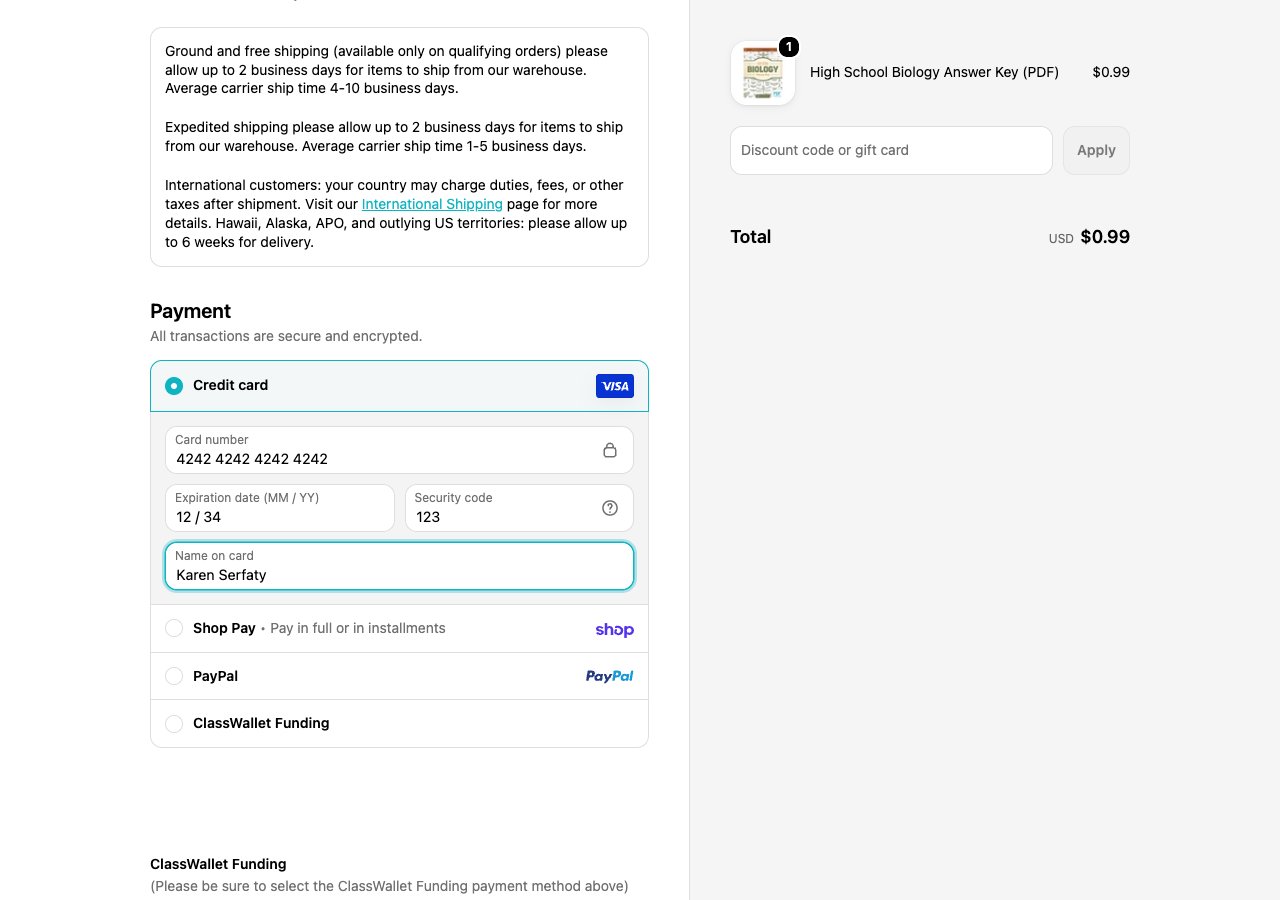
Steps 1 to 4 of the Kernel guide run here line for line: product page, cart, the cookie notice, the checkout form, the total read once it settles,attachToPlaywright with the same options, the placeholder card in Shopify’s iframes, Pay now once. The companion script for this guide differs from the Kernel one in the launch above and in how it closes the browser below, and nowhere else.
3. Deliver the approval link
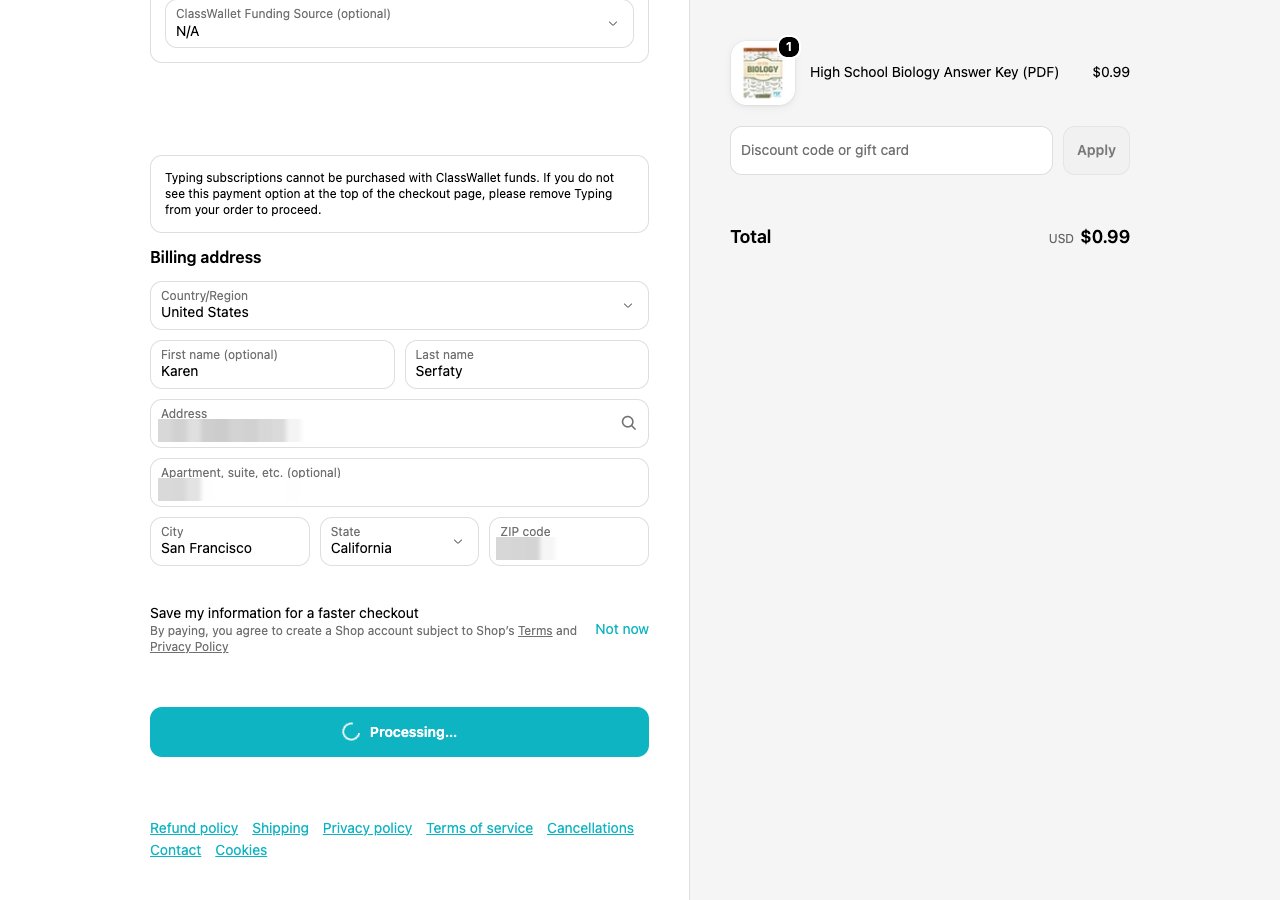
onApprovalUrl hands your code the link. Nothing happens until a person opens it. The first run of this guide printed the link to the terminal and nothing else; nobody was reading the terminal, and this is what the SDK printed fifteen minutes later:
expired afterwards, with no replay and nothing charged. The page sat on “Processing…” the whole time, and Shopify never saw a card. The second run delivered the link but the user was away from the phone; same output, same result.
Make the delivery part of the run. The companion script runs a shell command with the link in APPROVAL_URL when APPROVAL_LINK_COMMAND is set; in your product it is whatever already reaches the user, such as the thread you have with them.
4. Expect Shopify to ask twice
On the run that bought the PDF, the user approved and the SDK replayed the real card. Three seconds later Shopify sent a second card request, and the SDK paused it and opened a second approval: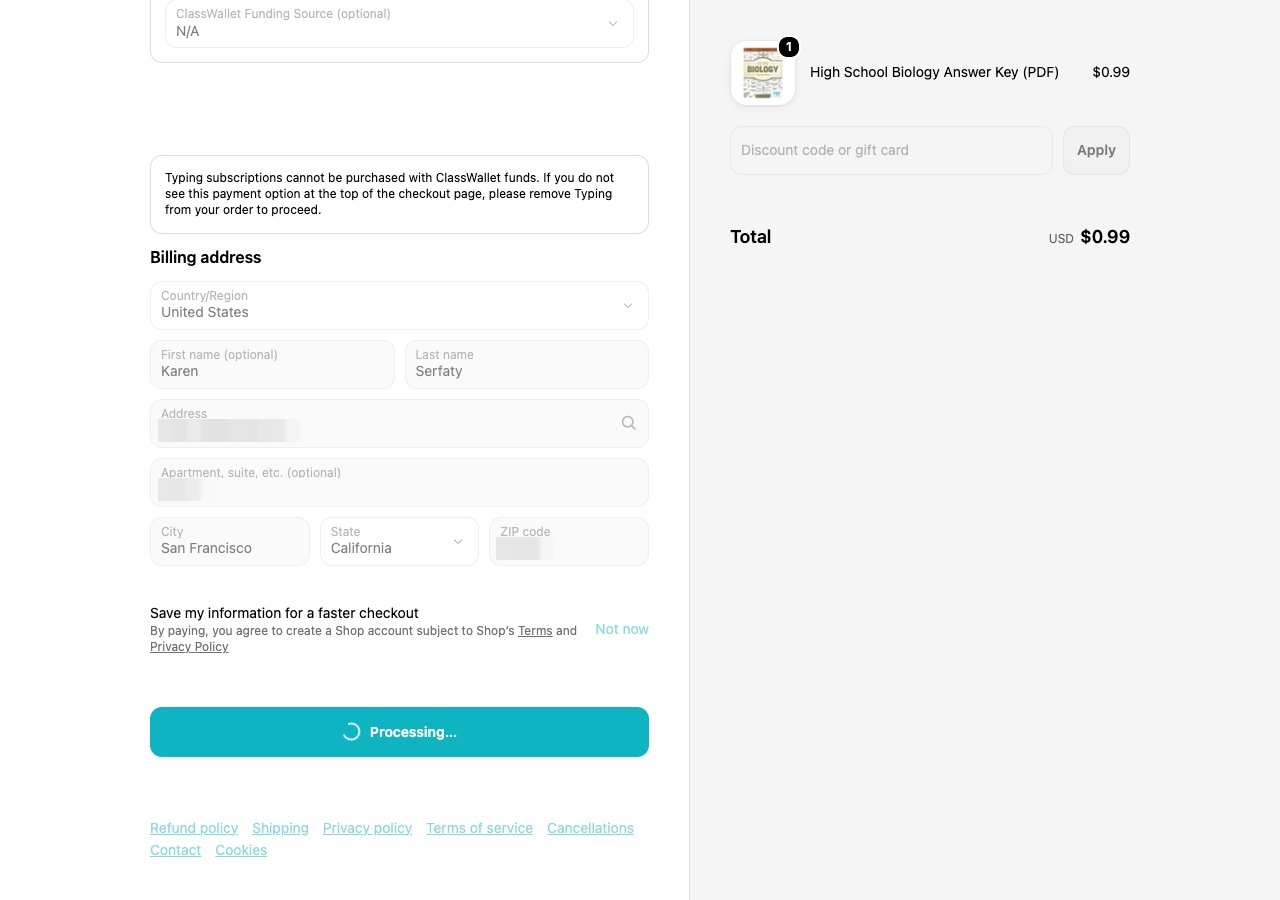
- A second
awaiting_approvalafter anauthorizedis not an error. Tell the user that the store asked again and that it is the same purchase, and deliver the new link the same way. - Do not click Pay again, and do not start a new checkout. The second request came from the page you already have.
- Keep the process alive through it. The wait in the Kernel guide’s step 6 ended during this gap; the browser stayed open only because the script keeps it open while the merchant’s answer is pending, and the second approval landed into that open page.
5. Read the merchant’s record and close the browser
The checkout page is one witness; the store’s own record is the one you report. Shopify sends two emails for a digital order, the order confirmation with the total and the card’s last four digits, and the download notice with the order number, and the order status page says the same.
failed or declined. Until then keep it open and the process running, and keep asking: a pending answer has nothing else to read from, and the page is where the answer will appear. Three rules for the loop. A card request the user declined, or one that timed out, ends the run as that state, so read getState() first and stop on it. While a card request is paused on a new approval, the state is awaiting_approval and reconcile() has nothing to read yet, so wait rather than call it. And never stop the loop on a clock: a purchase that is still pending after an hour is still a purchase, and closing the browser then leaves it unreported. The companion script asks every fifteen seconds until the result settles, and a run that never clicked Pay closes the browser at once.
Run it
shots-local/.
Handle a run that stalls
Where to go next
- Complete a purchase on a Shopify store with Kernel for the shopping leg, the attach options and Shopify’s checkout in detail.
- Your own browser for the raw CDP level and for doing your own interception.
- Completing a purchase for the webhooks that tell your server the same story.