

Step 1: Install the admin CLI and log in
Theagent-cards-admin CLI is how you manage organizations, API keys, and members. Install it and log in with your email — you’ll receive a magic link to verify:
Step 2: Create an organization
Organizations are the billing unit — all cards, API keys, and cardholders are scoped to an org.sk_test_ and won’t be shown again.
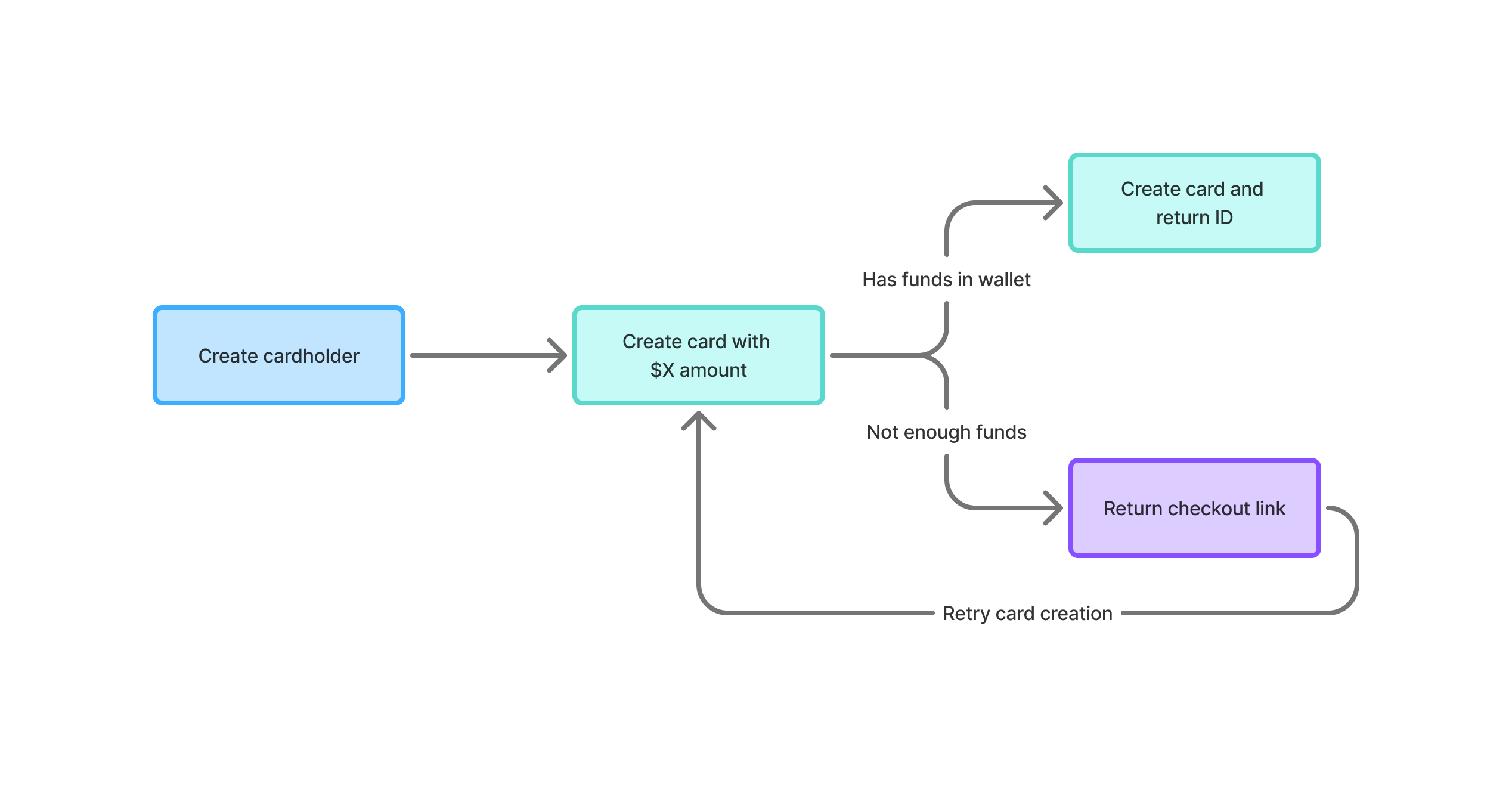
Step 3: Create a cardholder
Cardholders represent the end-users who will hold cards. Create one via the API:Response
Step 4: Attach a payment method
Set up a payment method for the cardholder via secure checkout:Response
checkoutUrl in a browser to attach a payment method. Then verify it’s attached:
Response
Step 5: Create your first card
Choose how you want to interact with AgentCard:- REST API
- Admin CLI
Create a card via API
Response
Get card details
Retrieve the full card number and CVV for your agent to use:Response
List cards
Close a card
Next steps
API Reference
Full reference for all REST API endpoints.
CLI Reference
Manage organizations, cards, and cardholders from your terminal.