

How it works
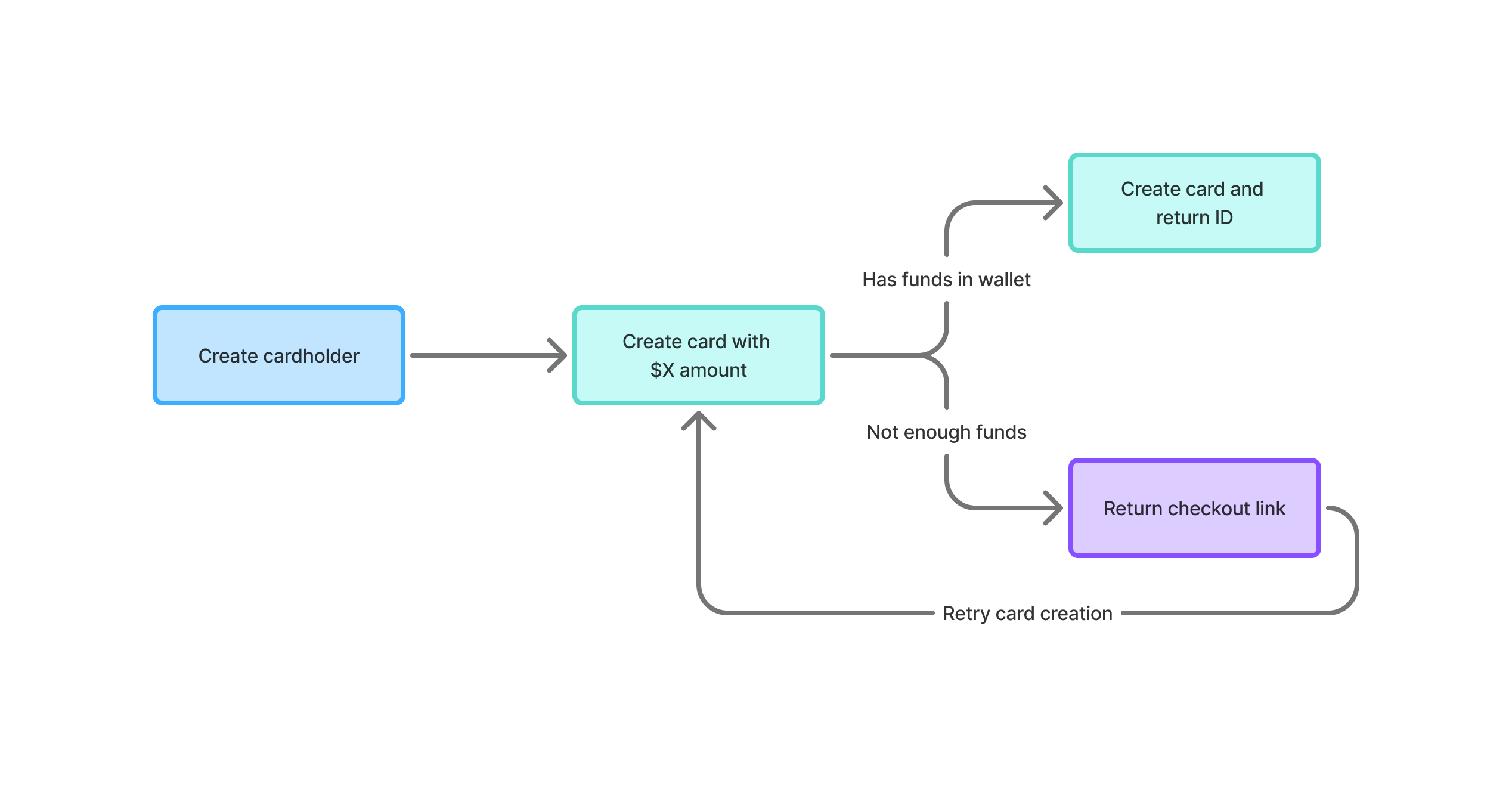
- Create cardholders — Set up cardholders for each end-user or agent that needs cards
- Attach payment methods — Each cardholder saves a payment method via Stripe Checkout
- Create cards — Issue virtual Visa cards with a specific spend limit, held on the cardholder’s payment method
- Give cards to agents — Your AI agents use the card number, expiry, and CVV to make purchases
- Monitor and close — Track balances in real time, close cards when done to release held funds
Access methods
REST API
Programmatic access with API keys. Create cards, manage cardholders, and attach payment methods.
CLI
Manage organizations, cards, and cardholders from your terminal with the
agent-cards-admin CLI.Key features
- Prepaid cards — Cards are backed by payment method holds, so agents can never overspend
- Per-card limits — Each card has a fixed spend limit (max $500)
- Hold-based funding — Funds are held on the cardholder’s payment method and only captured on use
- Real-time balances — Track remaining balance as transactions settle
- Instant close — Revoke a card at any time, uncaptured holds are released
- Audit trail — Every card creation, detail access, and close is logged